Will Copilot be Removed? What changes in the April Update
If you’ve been using Copilot Chat within Word, Excel, or PowerPoint without a paid license, this might be a surprise for you. Microsoftannounced a upcoming changein how Copilot Chat is integrated into the Office suite for free usage.
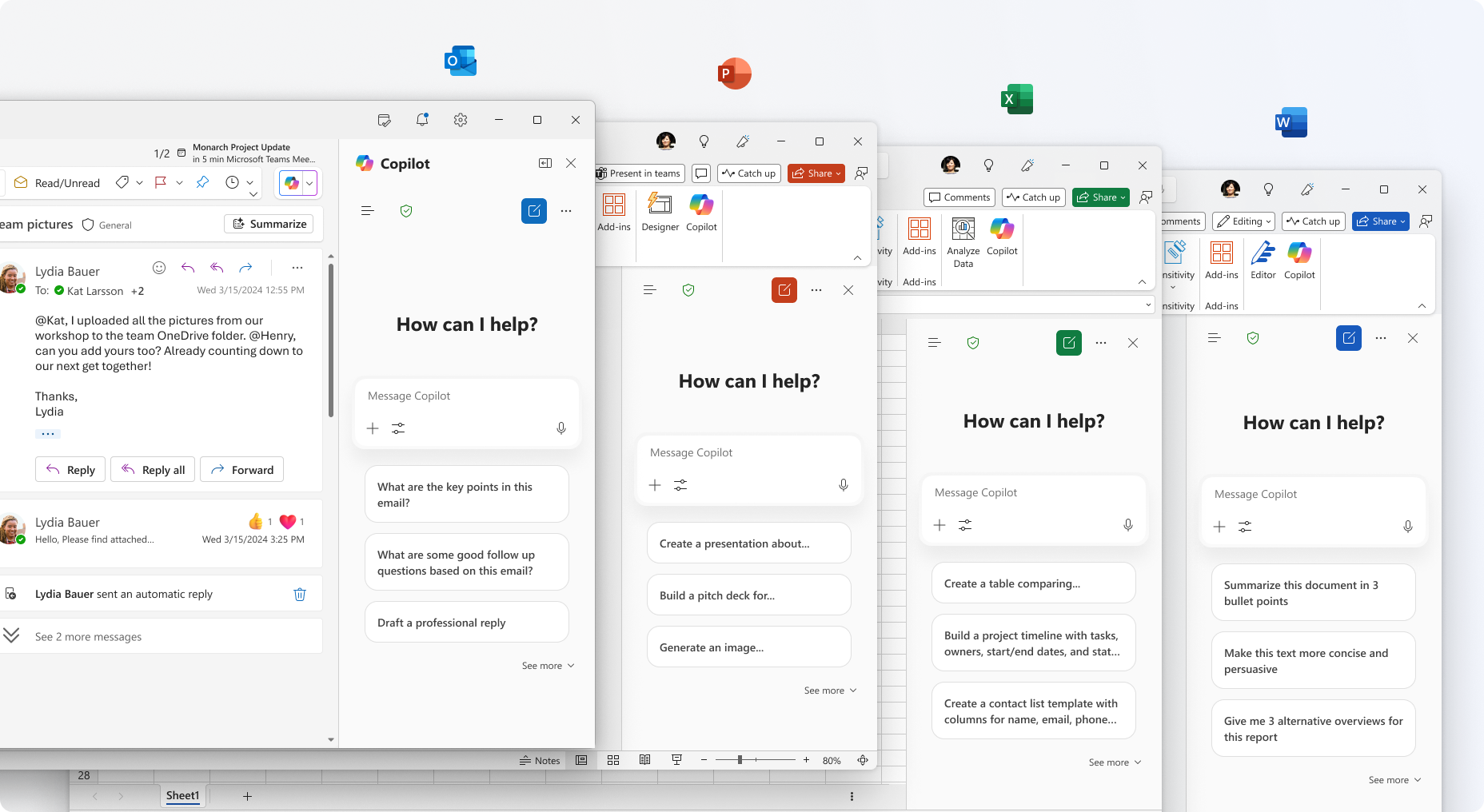
Starting April 15, 2026, Microsoft is changing how users can use Copilot inside the Microsoft 365 apps. Depending on the size of your organization, the experience for your users might change in the upcoming weeks and how Copilot is available for your users.
Large vs. Small Organizations
Microsoft is drawing a line between organizations based on seat count. Here is how it will look like:
Organizations with 2,000+ seats
If you are in a large enterprise, the "in-app" Copilot experience will be limited for unlicensed users:
- Copilot will no longer be available inside the side panes of Word, Excel, PowerPoint, and OneNote.
- To keep using AI in these documents (for drafting, summarizing, or analyzing), you will now need a paid Microsoft 365 Copilot license.
Organizations with fewer than 2,000 seats
If you’re in a smaller SMB or mid-market environment, nothing will change for now:
- Copilot remains available inside Word, Excel, and PowerPoint for unlicensed users.
- Access is still subject to "standard access policies," meaning Microsoft might throttle availability during peak demand periods.
Will something stay the same?
Several core features remain untouched for everyone:
- You can still use the secure, web-grounded Copilot Chat via the Microsoft 365 Copilot app. You can even still use Word/Excel/PowerPoint agents from there.
- Copilot in Outlook (for inbox and calendar grounding) remains available for all customers.
- If you already pay for a Microsoft 365 Copilot license, nothing changes for you. You keep the full, integrated experience.
New labels for easier recognization
To clear up the confusion between "Copilot Free" and "Copilot Paid," Microsoft is changing the labels. This will end-users identify exactly what version they are running:
- Copilot Chat (Basic): This is what users in large organizations (2,000+ seats) will see.
- M365 Copilot (Basic): This is the label for unlicensed users in smaller orgs.
Conclusion
Starting April 15, 2026, Microsoft will automatically remove the "unlicensed" Copilot side pane from desktop apps for organization larger then 2000 users. While web-based chat remains secure and available, the availability of in-app drafting will now require a paid Copilot license. Admins don't need to do anything, as this will happen automatically. But you should be prepared for a spike in questions of users who have grown reliant on the integrated side pane.
What are your thoughts on this change?
Keep reading
15 Sept 2026
Will Grok Be Available in Microsoft Copilot in the EU?
Microsoft is bringing Grok to Copilot, but the preview excludes the EU, EFTA and UK. Here is what the SpaceXAI subprocessor change means for IT.
11 Sept 2026
You Can Now Build Apps with Copilot Cowork and Copilot Studio
Have an idea for an internal app? Explore app building in Copilot Cowork and Copilot Studio, with a practical starter prompt and the checks IT should make first.
1 Sept 2026
Microsoft's Responsible AI Report: What You Still Need to Govern Yourself
Microsoft's 2026 Responsible AI Transparency Report explains its own governance work. Customers still need owners, approved use cases, evaluation and monitoring.
Comments
Loading comments…